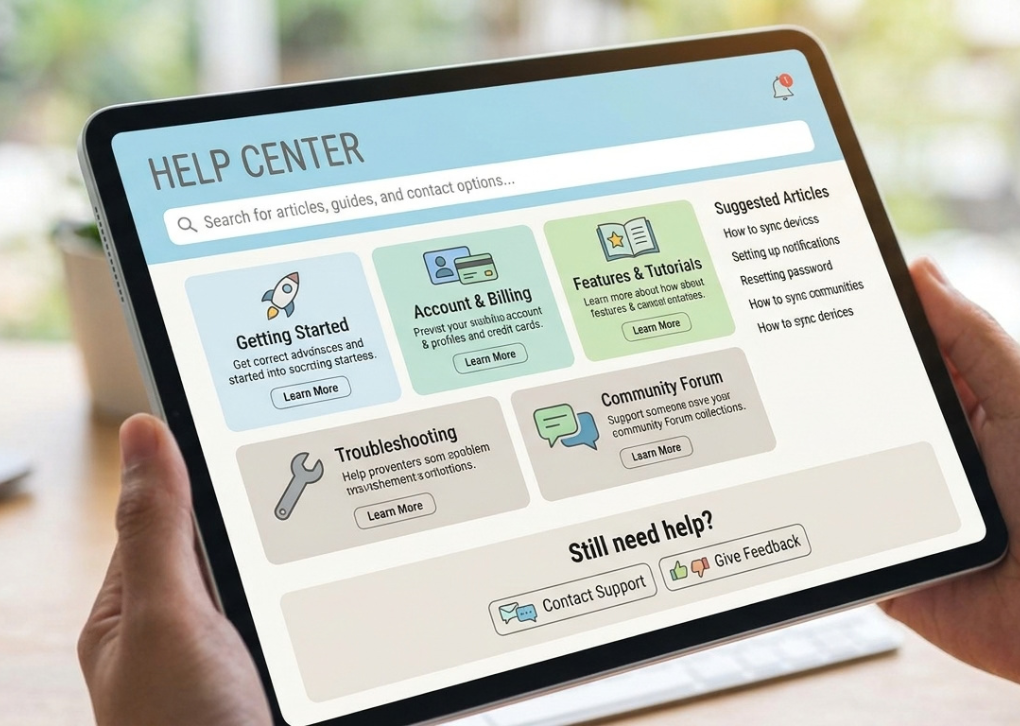
When a technical support agent asks you to visit Myhelpscreen com, many users immediately wonder: “Is this website safe?” “Why do I need to enter a code?” “Can someone access my computer?” These are common questions because remote support tools involve sharing your screen with another person.
Myhelpscreen com is a web-based support launcher that allows users to connect with a technician through a secure remote assistance session. The platform is associated with ScreenMeet, a remote support technology provider that helps businesses provide real-time troubleshooting without requiring complicated setup processes.
Unlike traditional software downloads that require creating accounts or installing permanent applications, Myhelpscreen com generally works through a session code provided by a support representative. The user enters the code, approves the connection, and joins a temporary support session.
This guide explains everything you need to know about Myhelpscreen com, including its purpose, how it works, security considerations, common uses, and practical tips for avoiding remote support scams.
What Is Myhelpscreen com?
Myhelpscreen com is a remote support access portal designed to connect customers with technical support representatives. It acts as a bridge between a user experiencing a technical issue and a support professional who needs to view or troubleshoot the device.
The website itself is not a typical consumer application where people browse features, create profiles, or manage accounts. Instead, it functions mainly as a support session entry point.
A typical situation looks like this:
- You contact customer support because of a computer, software, or device problem.
- A support agent creates a temporary remote session.
- The agent provides a unique support code.
- You enter that code on Myhelpscreen com.
- You approve the connection.
- The technician helps diagnose the issue.
The purpose is simple: reduce troubleshooting time by allowing technicians to see the problem directly instead of relying only on phone explanations.
How Does Myhelpscreen com Work?
Understanding the process helps users feel more comfortable before starting a remote support session.
Step 1: Receive a Support Code
A legitimate support representative usually creates a session first and provides a unique PIN or connection code.
The code connects your browser session with the technician’s support console. Without the correct session code, another person cannot simply connect to your device through the website.
Step 2: Visit Myhelpscreen com
The user opens the website and enters the code supplied by the support agent.
The website functions as a remote support launcher, guiding users into the correct session.
Step 3: Approve Access
Before any screen sharing begins, the user normally needs to approve permissions.
This step is important because remote support requires user consent. A technician should not have unrestricted access without authorization.
Step 4: Troubleshooting Session Begins
Once connected, the support agent can help diagnose problems such as:
- Software errors
- Device configuration issues
- Installation problems
- Network troubleshooting
- Application support
- Hardware-related questions
The session can typically be ended by the user at any time.
Why Do Companies Use Myhelpscreen com?
Businesses use remote support platforms because traditional phone-based troubleshooting can be slow and frustrating.
A customer may describe an error message incorrectly, misunderstand technical instructions, or struggle to locate settings. Screen-sharing removes much of that confusion.
Common organizations that may use platforms like Myhelpscreen com include:
- Enterprise IT departments
- Software companies
- Hardware manufacturers
- Customer service teams
- Managed service providers
Remote support allows technicians to diagnose problems faster while improving the customer experience.
Key Features of Myhelpscreen com
Although Myhelpscreen com works mainly as a connection portal, the technology behind it provides several important remote assistance capabilities.
Secure Remote Screen Sharing
The main feature is the ability for a support specialist to view the user’s screen during an active session.
This allows technicians to:
- Observe error messages
- Guide users through settings
- Identify configuration problems
- Explain solutions visually
Screen sharing is especially useful when users are not comfortable describing technical problems.
Temporary Support Sessions
One important aspect of Myhelpscreen com is that sessions are generally created for specific support interactions.
According to ScreenMeet documentation, remote support sessions are initiated by an agent and connected using a session PIN or link.
This temporary approach helps reduce unnecessary ongoing access.
Cross-Device Support
Remote support technology can assist users across different device environments.
Depending on the organization’s setup, support may include:
- Windows computers
- Mobile devices
- Business applications
- Enterprise systems
ScreenMeet documentation describes mobile support workflows where users join sessions through a MyHelpScreen link and provide permissions before assistance begins.
No Complicated Account Setup
Many users appreciate that they do not need to create a new account before receiving help.
The process usually focuses on:
- Receiving a code
- Entering the code
- Approving the session
- Getting technical assistance
This makes it suitable for one-time troubleshooting situations.
Is Myhelpscreen com Safe?
The short answer: Myhelpscreen com can be safe when you use it with a verified support representative.
The website itself is designed for legitimate remote assistance workflows. However, like any remote access tool, the safety depends heavily on who is requesting access.
Remote support scams often involve criminals pretending to be:
- Computer companies
- Banks
- Government agencies
- Antivirus providers
They may pressure users into giving remote access.
The risk is usually not the website itself. The risk comes from allowing an unknown person to control or view your device.
How to Use Myhelpscreen com Safely
Follow these security practices before joining any remote support session.
Verify the Support Agent
Before entering a code:
- Confirm you contacted the company first.
- Use official phone numbers or websites.
- Avoid unexpected pop-up warnings.
- Do not trust random callers claiming your computer has a virus.
Never Share Sensitive Information
A legitimate technician should not ask for:
- Banking passwords
- Email passwords
- Authentication codes
- Social Security information
- Private documents unrelated to troubleshooting
Remote support should focus only on solving the technical issue.
Watch What the Technician Does
During a session:
- Pay attention to actions performed.
- Ask questions if something seems unusual.
- End the session if you feel uncomfortable.
You remain responsible for approving access.
Common Reasons People Search for Myhelpscreen com
Many searches related to Myhelpscreen com come from users who have been directed there by customer support.
Common situations include:
“Why did support ask me to visit Myhelpscreen com?”
Usually, a support technician wants to start a screen-sharing session to diagnose a problem.
“Is Myhelpscreen com a virus?”
The website itself is not designed as malware. However, scammers can misuse legitimate remote support tools by convincing people to connect.
“Can Myhelpscreen com access my computer?”
Access depends on the permissions you approve during the support session. A connection should not happen simply because someone knows the website address.
Myhelpscreen com vs Traditional Technical Support
Traditional support usually depends on phone conversations, emails, or written instructions.
Remote support offers advantages:
| Traditional Support | Remote Support |
|---|---|
| User describes the problem | Technician sees the problem |
| Longer troubleshooting process | Faster diagnosis |
| More confusion for beginners | Visual guidance |
| Limited understanding of errors | Direct observation |
For complex technical problems, screen-sharing can significantly simplify communication.
What Should You Do Before Using Myhelpscreen com?
A few preparation steps can make the experience smoother.
Before connecting:
- Close unnecessary private documents.
- Save important work.
- Remove sensitive information from your screen.
- Confirm the technician’s identity.
- Understand what access you are approving.
Good preparation protects privacy while allowing faster troubleshooting.
Frequently Asked Questions About Myhelpscreen com
Is Myhelpscreen com a legitimate website?
Myhelpscreen com functions as a support connection portal used for remote assistance sessions. It is associated with ScreenMeet-powered support workflows.
However, users should always verify the identity of the person requesting access.
Do I need to install software for Myhelpscreen com?
Depending on the support session requirements, users may be guided through downloading a temporary support application or approving browser-based permissions. ScreenMeet documentation describes workflows where users may download and run a support application after entering a session PIN.
Can someone access my computer without permission?
No legitimate remote support session should begin without user approval.
Users should review permissions carefully and end the session if anything feels suspicious.
Why did a technician give me a Myhelpscreen com code?
A support technician may provide a MyHelpScreen code because they need to create a temporary remote assistance session.
The code allows your device to connect with the correct support session.
How do I know if a Myhelpscreen com request is a scam?
Be cautious if someone:
- Calls unexpectedly claiming your computer is infected
- Creates urgency or fear
- Requests banking details
- Demands remote access immediately
- Refuses verification
Always contact the company directly if you are unsure.
Final Thoughts: Should You Use Myhelpscreen com?
Myhelpscreen com is a remote support gateway designed to make technical assistance faster and easier. It helps connect users with support professionals through temporary session codes and screen-sharing technology.
The safest approach is simple: verify who is helping you before allowing any remote connection. Use the platform only when you initiated support or can confirm the technician’s identity through official channels.
If a trusted company provides a session code and you understand the permissions being granted, Myhelpscreen com can be a convenient tool for solving technical problems quickly.